
Introduction
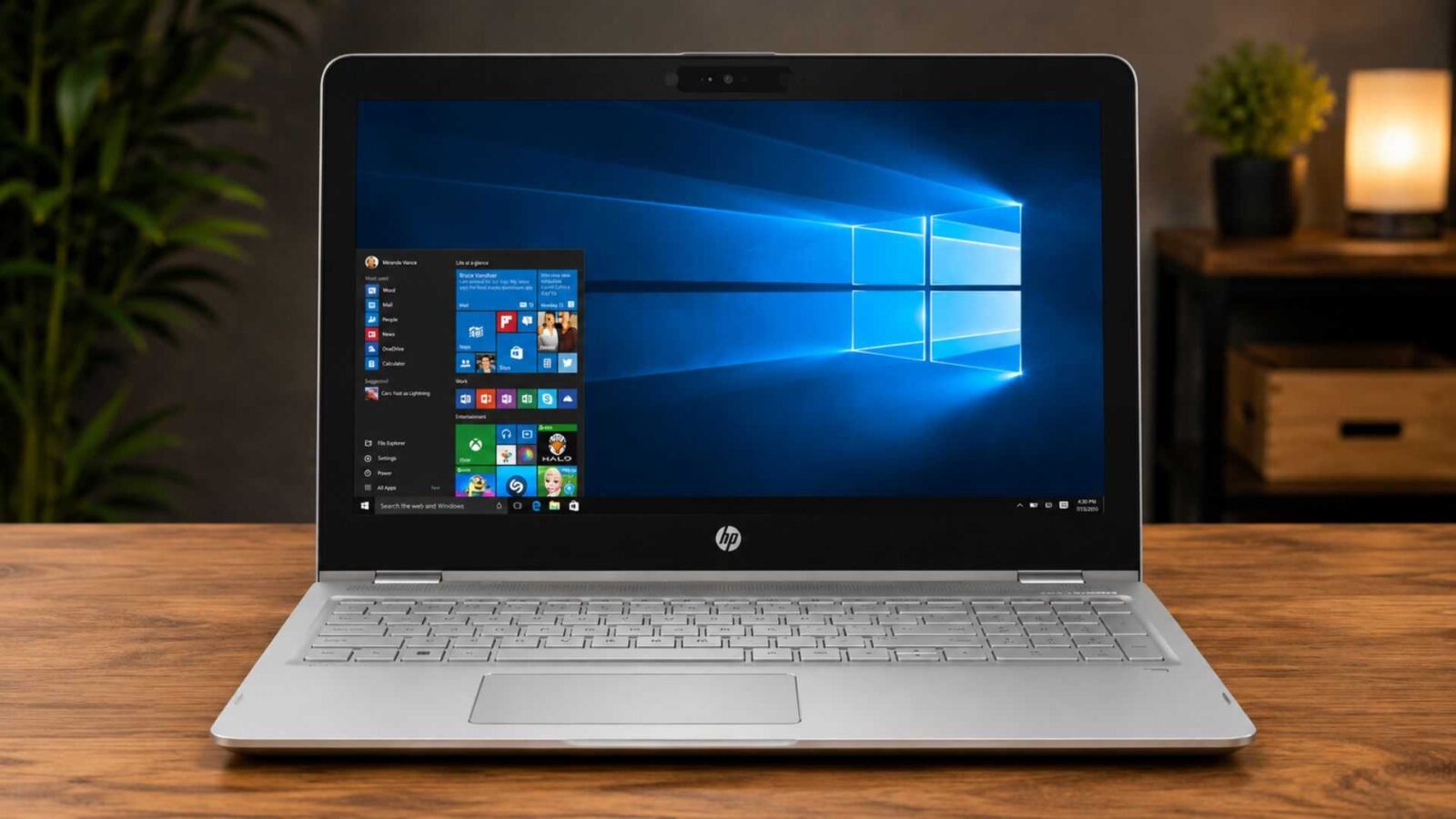
HP Envy x360 is one of the top-selling convertible laptops on the mid-range premium market. The HP Envy x360 combines an attractive design with touchscreen capabilities, a solid performance and a competitive price into a package appealing to both students and professionals.
The HP Envy x360 Review examines how this laptop performs when used in the real world, not just benchmark numbers.
It’s not hard to see why buyers who are looking for flexibility without having to pay flagship prices continue to give positive HP Envy x360 Reviews.
Among its most attractive features are the 360-degree hinged display, long battery lifespan, and high productivity.
Table of contents
- Introduction
- Quick Verdict Box
- Specifications Table
- Touchpad and keyboard
- Benchmark Results
- Pros and Cons
- Alternatives to Consider
- Final Conclusion
- FAQ
- 1. Is the HP Envy x360 good for students?
- 2. Can the HP Envy x360 handle gaming?
- 3. Does the HP Envy x360 have a touchscreen?
- 4. For how long does the HP Envy x360 battery last?
- 5. Can the memory (RAM) be upgraded?
- 6. Is the HP Envy x360 suitable for video editing?
- 7. Does the HP Envy x360 support a stylus pen?
- 8. Is the HP Envy x360 worth purchasing in 2026?
Quick Verdict Box
| Category | Rating |
| Overall Rating | 8.8/10 |
| Best For | Professionals, remote workers, creators and students |
| Processor Performance | Excellent |
| Battery Life | Very Good |
| Display Quality | Excellent |
| Portability | Excellent |
Key Strengths
- Premium aluminum build quality
- Excellent touchscreen display
- Strong everyday performance
- Long battery life
- Versatile 360-degree hinge
- Comfortable keyboard
Specifications Table
| Specification | HP Envy x360 |
| Display | 14-inch or 15.6-inch FHD/OLED Touchscreen |
| Processor | Intel Core Ultra 5/7 or AMD Ryzen 7 Series |
| Graphics | Intel Arc Graphics / AMD Radeon Graphics |
| RAM | 8GB, 16GB, 32GB LPDDR5 |
| Storage | 512GB to 1TB SSD |
| Operating System | Windows 11 Home |
| Weight | Starting at 1.39kg |
| Battery | 59Wh Lithium-ion |
| Webcam | 5MP IR Camera |
| Wireless | Wi-Fi 6E, Bluetooth 5.3 |
Building Quality and Design
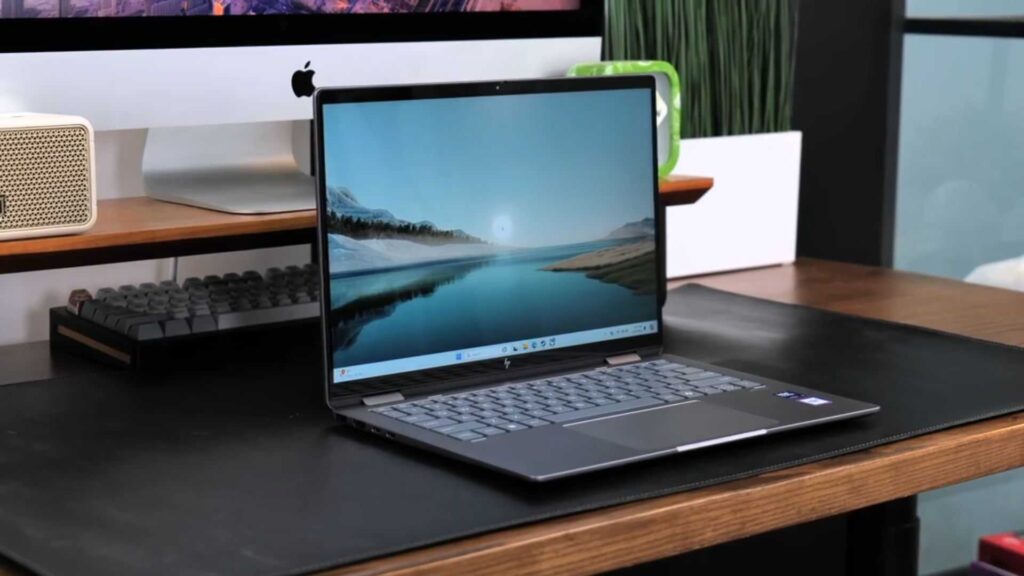
Its high-quality construction is the first thing that you’ll notice when looking at the HP Envy x360. Envy x360’s aluminum chassis is a welcome change from many midrange laptops, which rely on plastic.
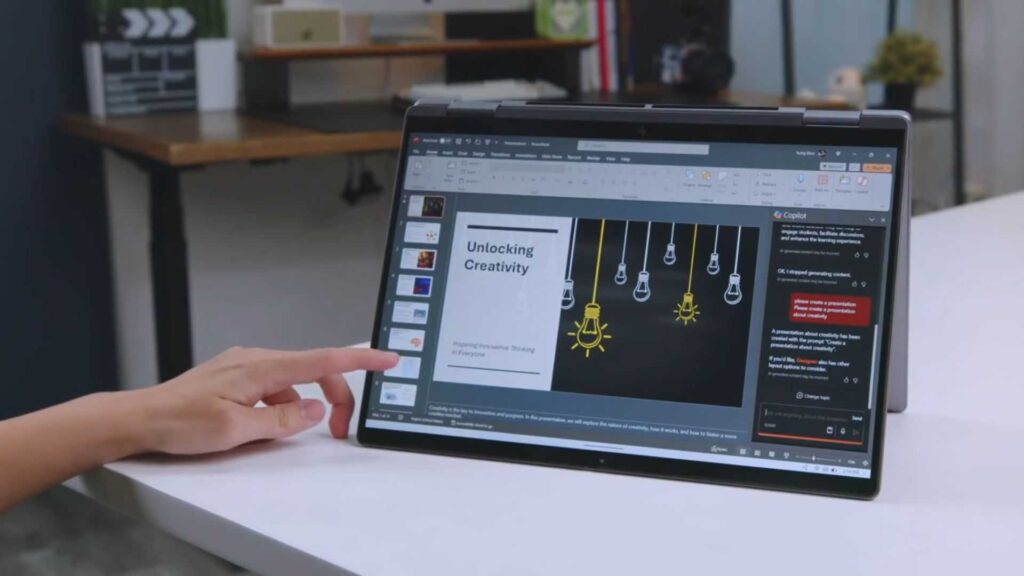
A 360-degree pivot is one of the most appealing features. Switching from laptop to tent, tablet and stand mode is smooth and secure.
The hinge has enough resistance that it prevents wobbling and is easy to adjust. Because the 14-inch device weighs less than 1.4kg, it’s easy to take with you on campus or even during business travel.
HP did a great job in reducing the display bezels on this laptop, which gives it a sleek and contemporary look.
Display Review
The display quality of this HP Envy x360 Review is outstanding.
The test unit for this model had a 14″ OLED touchscreen with a 2880 x 1800 resolution.
Real-World Display Experience
- Vibrant colors
- Enjoy deep blacks with OLED technology
- Excellent contrast ratio
- Responsive touch input
- Great outdoor visibility
The display was fantastic for browsing, watching Netflix and editing pictures. The display is ideal for content creators and photographers because it reproduces colors accurately.
This combination of touchscreen and stylus support enhances creativity, productivity and efficiency.
Display Rating is 9.2/10
Touchpad and keyboard
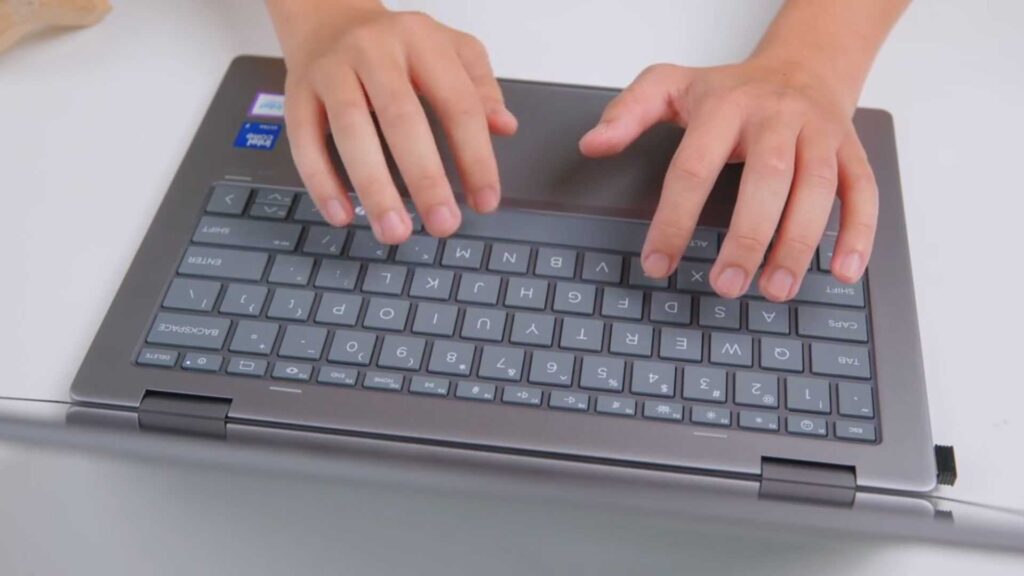
Even during long writing sessions, typing on the HP Envy x360 is comfortable.
The keyboard offers:
- Good key travel
- Tactile feedback
- Minimal flex
- Adjustable backlighting
As an article writer who writes many long articles regularly, I was able to type several thousand without feeling tired.
The precision glass touchpad is just as impressive. This touchpad recognizes Windows gestures accurately and is responsive.
Performance Review
HP Envy’s x360 performance is actually based on its configuration. Our examination device had an Intel Core Ultra 7 Cpu, 16GB of RAM and a storage of 1TB SSD.
This particular systems are an excellent option for everyday tasks.
Productivity Performance
The HP Envy x360 manages productivity duties incredibly well.
Common workloads tested:
- 30+ Chrome browser tabs
- Microsoft Office multitasking
- Zoom video recording or calls
- Slack communication
- PDF editing and enhancing
Even under massive multitasking, performance continued to be smooth and work very well.
Applications rapidly launch quickly, and also the SSD delivers outstanding responsiveness.
Productivity Rating is 9/10
Gaming Performance
It’s time to face reality: the HP Envyx360 laptop is not designed for gaming.
Casual games such as:
- Valorant
- League of Legends
- FIFA
- Minecraft
It can be run at medium settings.
However, demanding AAA titles require lower settings for playable frame rates.
Users who want a high-performance gaming system should look at the HP Victus 15.
Gaming Rating is 7/10
Content Creation Performance
The laptop is a great choice for those who edit photos and videos on social media or create short clips in 4K.
Adobe Photoshop and Lightroom performed flawlessly during testing.
Premiere Pro’s performance is respectable when editing moderate projects. However, rendering 4K timelines on large screens takes longer than on dedicated creator laptops.
The HP Envy x360 is a nice, good and recommended laptop for bloggers, designers and YouTubers.
Content Creation Rating is 8.5/10
Battery Life
Battery life is another highlight in this HP Envy x360 Review.
During mixed real-world usage involving:
- Web surfing
- Document modifying
- Online video streaming
- Conventional video conferencing calls
The laptop consistently delivered between 9 and 11 hrs on a single charge.
Light users may comfortably stretch battery life beyond an entire workday.
Fast charging support also allows approximately 50% recharge in about 30 minutes.
Battery Rating is 8.8/10
Connectivity and Ports
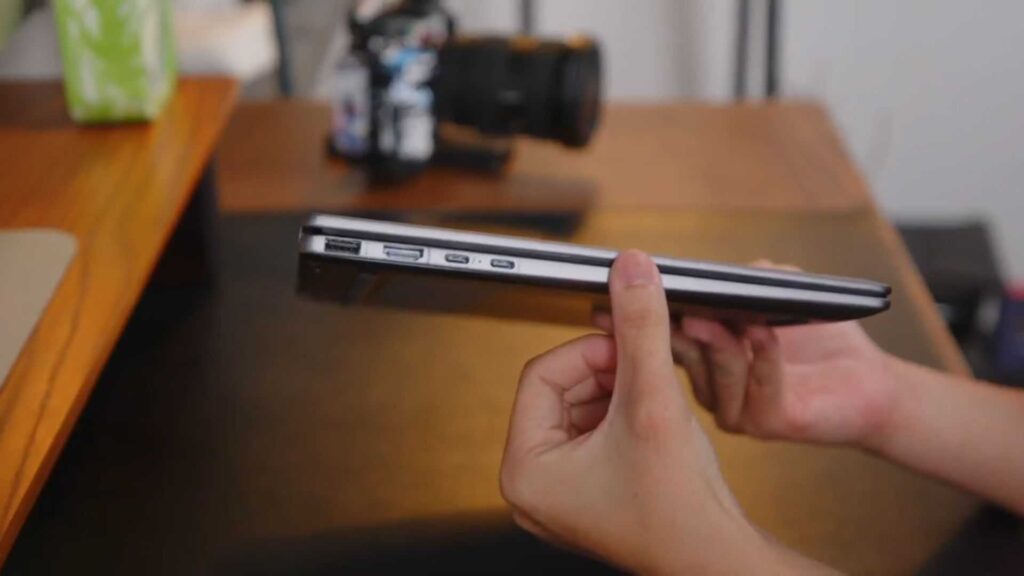
HP’s slim design includes an array of useful ports.
| Ports Available |
| USB-C Thunderbolt 4 |
| USB-A |
| HDMI 2.1 |
| Headphone/Microphone Combo |
| microSD Card Reader |
Wireless Connectivity includes:
- Wi-Fi 6E
- Bluetooth 5.3
The connection stability was excellent during the testing.
Quality of Audio and Webcam
These Bang & Olufsen speakers are tuned to produce crystal-clear vocals, and at impressive volumes for a laptop that is thin.
Although bass is limited, the audio quality of meetings, movies and streaming music will be more than adequate.
It is worth praising the upgraded 5-megapixel webcam. The video quality is sharp and accurate, so remote meetings will look professional.
The noise reduction feature effectively reduces background distractions.
Benchmark Results
Benchmark Results
The benchmark results of the HP Envy 360 are in line with other premium ultrabooks.
Pros and Cons
Pros
✔ Premium metal build
✔ Excellent OLED display
✔ Long battery life
✔ Versatile convertible design
✔ Comfortable keyboard
✔ Strong productivity performance
Cons
✘ Limited gaming capabilities
✘ RAM not upgradeable on some models
✘ Premium configurations can be expensive
Who should buy this laptop?
Purchase the HP Envy x360 if you:
- A premium 2-in-1 computer is what you want.
- Are you a professional or a student?
- Your battery life is important to you.
- Touchscreen functionality is required.
Skip it if:
- You need serious gaming performance.
- You require workstation-class graphics.
- Do you prefer the traditional laptop clamshell?
Buyers on a budget may want to also compare the HP Pavilion 15, .
For additional buying advice, explore our complete HP Review section on KongaShare.
Alternatives to Consider
| Laptop | Best For |
| HP Pavilion 15 | Budget productivity |
| HP Victus 15 | Gaming |
| Dell XPS 13 | Premium ultrabook users |
| Lenovo Yoga 7i | Convertible alternative |
| ASUS Zenbook 14 OLED | OLED enthusiasts |
Final Conclusion
The HP Envy x360 effectively mixes premium style, outstanding battery life, solid productivity performance, and flexible functionality into an extremely attractive package.
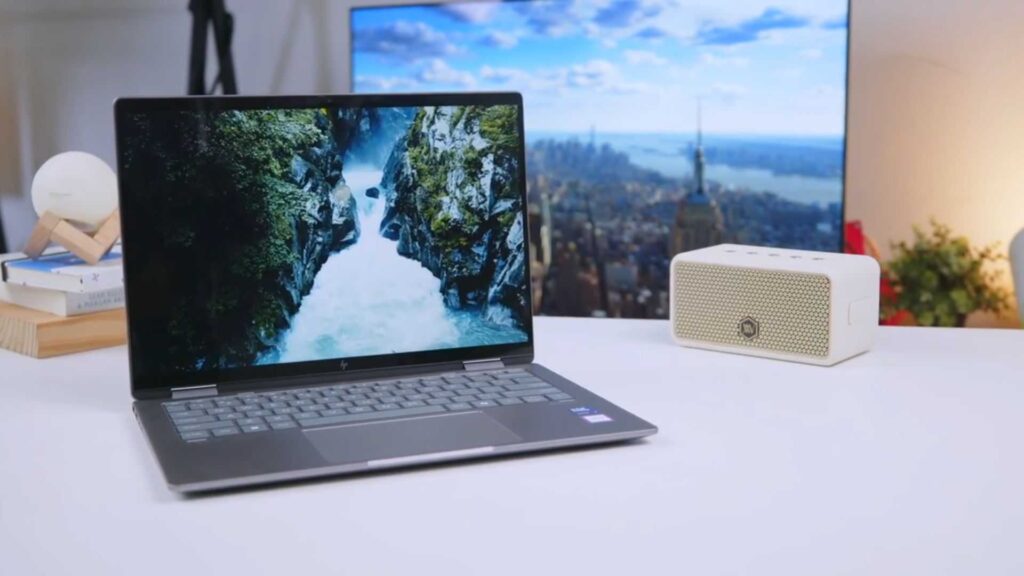
Its stunning display, durable build quality, and dependable everyday performance make it one of the most effective convertible laptops available today.
Final Score is 8.8/10
Highly Recommended for: Professionals, students, creators, and hybrid workers.
Kindly follow us on our social media pages, Kongashare Tiktok, and Facebook Page.
FAQ
1. Is the HP Envy x360 good for students?
Absolutely yes. Its lightweight style, lasting battery, and outstanding keyboard make it suitable for students.
2. Can the HP Envy x360 handle gaming?
Yes, however, mainly for casual and esports games. Serious gamers should take into consideration the HP Victus 15.
3. Does the HP Envy x360 have a touchscreen?
Yes. All Envy x360 versions come with touchscreen functionality.
4. For how long does the HP Envy x360 battery last?
Expect approximately between 9 – 11 hours during normal daily use. I mean normal task.
5. Can the memory (RAM) be upgraded?
Some models have soldered memory (RAM); upgrade alternatives differ depending on the configuration.
6. Is the HP Envy x360 suitable for video editing?
Yes. It carries out effectively for image editing, moderate video editing, and enhancing tasks.
7. Does the HP Envy x360 support a stylus pen?
Yes. The system’s active stylus pen is actually supported on compatible versions.
8. Is the HP Envy x360 worth purchasing in 2026?
Yes. It stays among the most effective premium 2-in-1 laptops for productivity and day-to-day use.
